
Use Zhipu AI
Overview
This guide explains how to obtain a Zhipu AI API key and connect it to the app.
Availability and pricing
Zhipu AI provides an OpenAI-compatible API and has offered free models. Check the provider's current pricing, limits, and regional registration requirements before using it.
Create an account
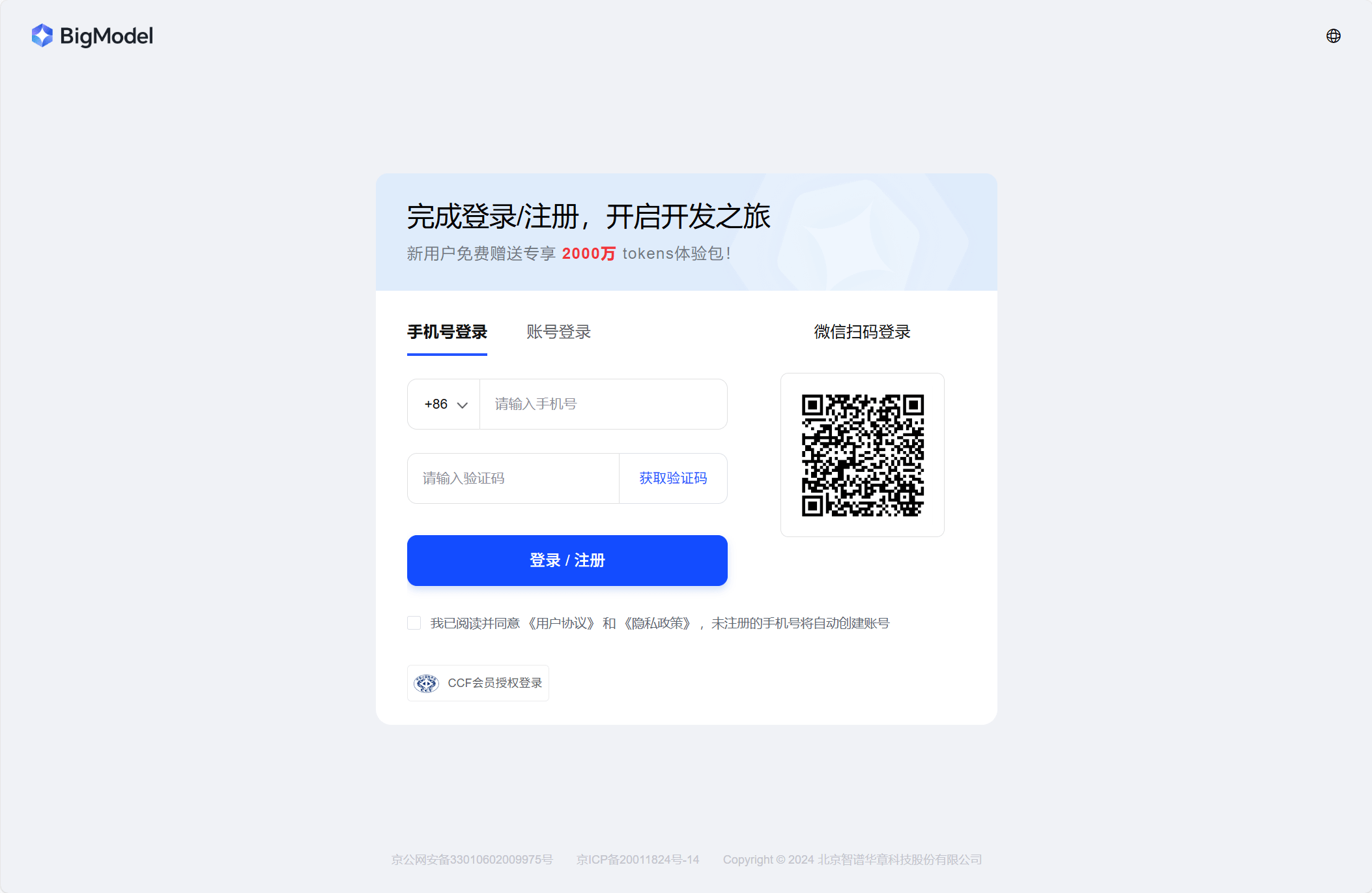
Open the Zhipu AI login and registration page. Follow the provider's instructions to register with a phone number and verification code, then sign in.
Get an API key
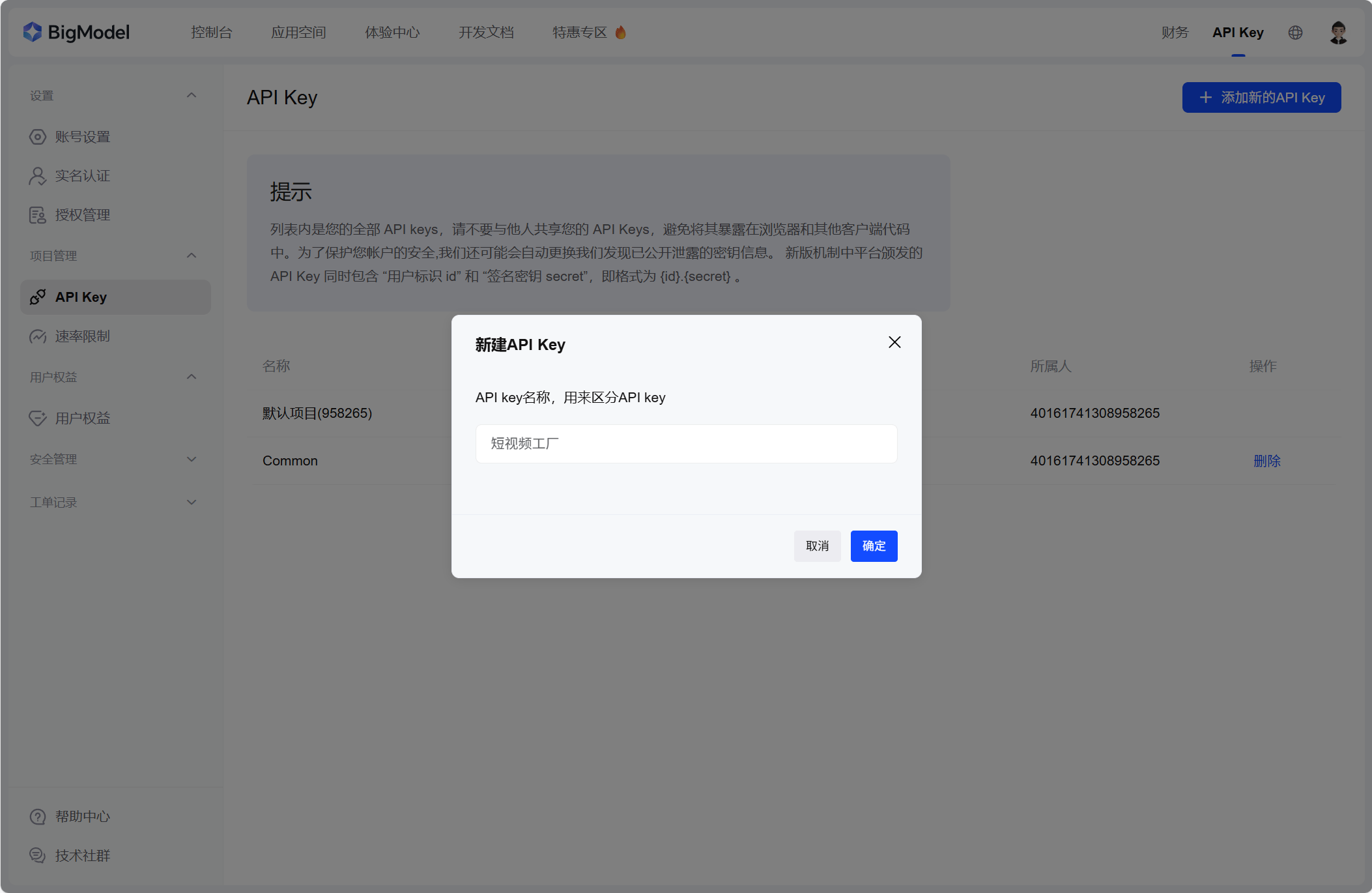
Open your profile menu and choose API Key, or go directly to API key management.
Click the button to add a new API key, give it a name such as Short Video Factory, and confirm.
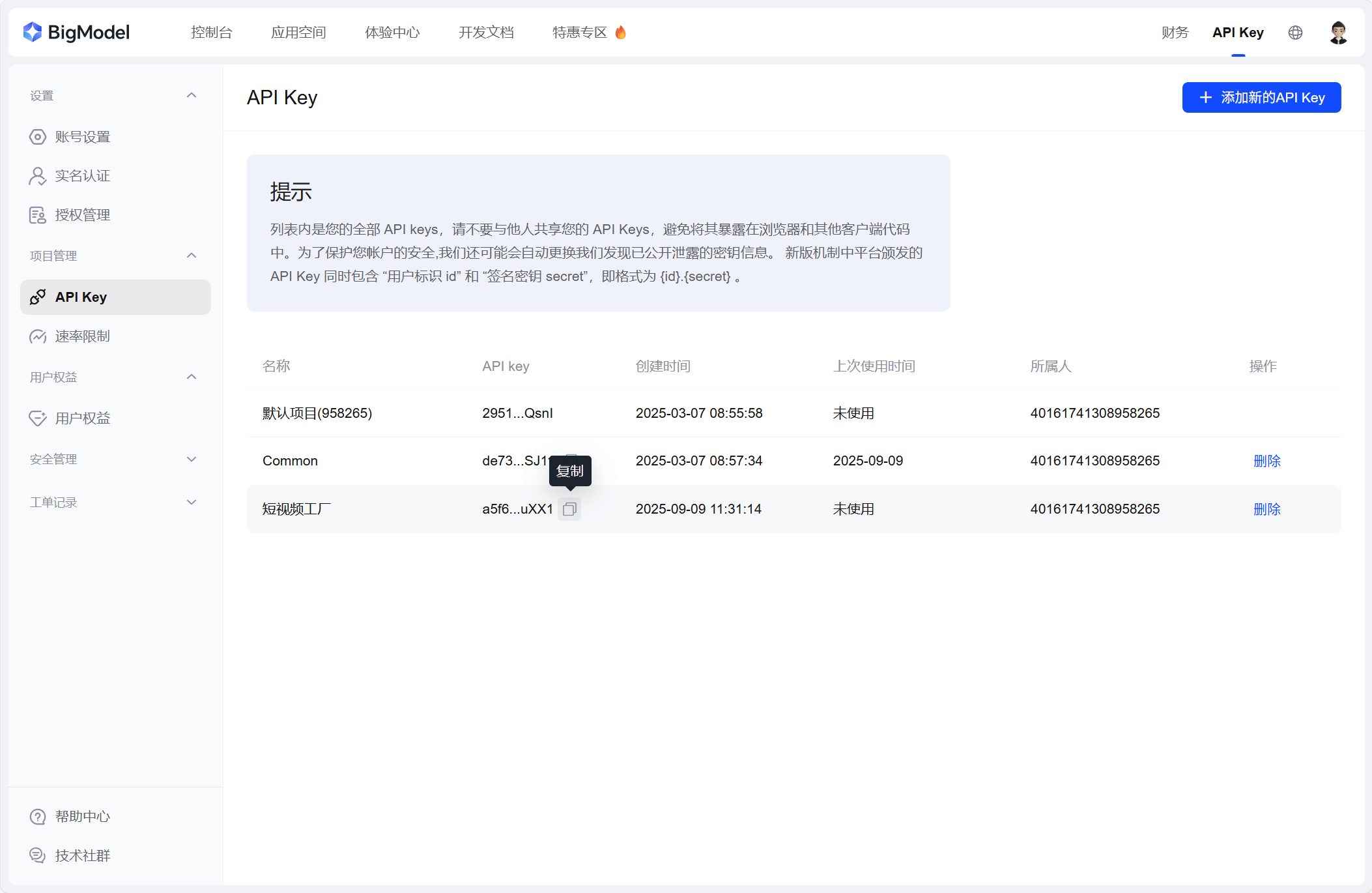
Copy the new key and paste it into the app's LLM settings. Keep it private.
Find the API URL and model name
The OpenAI compatibility documentation lists this API base URL:
https://open.bigmodel.cn/api/paas/v4Choose an available model from the model overview. For example:
GLM-4.5-FlashEnter the API URL, your API key, and the model name in the app. Test the connection and save your settings.
See Configure an LLM API for the full configuration workflow.