
Use OpenAI
Overview
This guide explains how to obtain an OpenAI API key and connect it to the app.
Paid service
OpenAI API usage is billed separately from ChatGPT subscriptions. Check current pricing and regional availability, and make sure your network can access the API.
Create an account
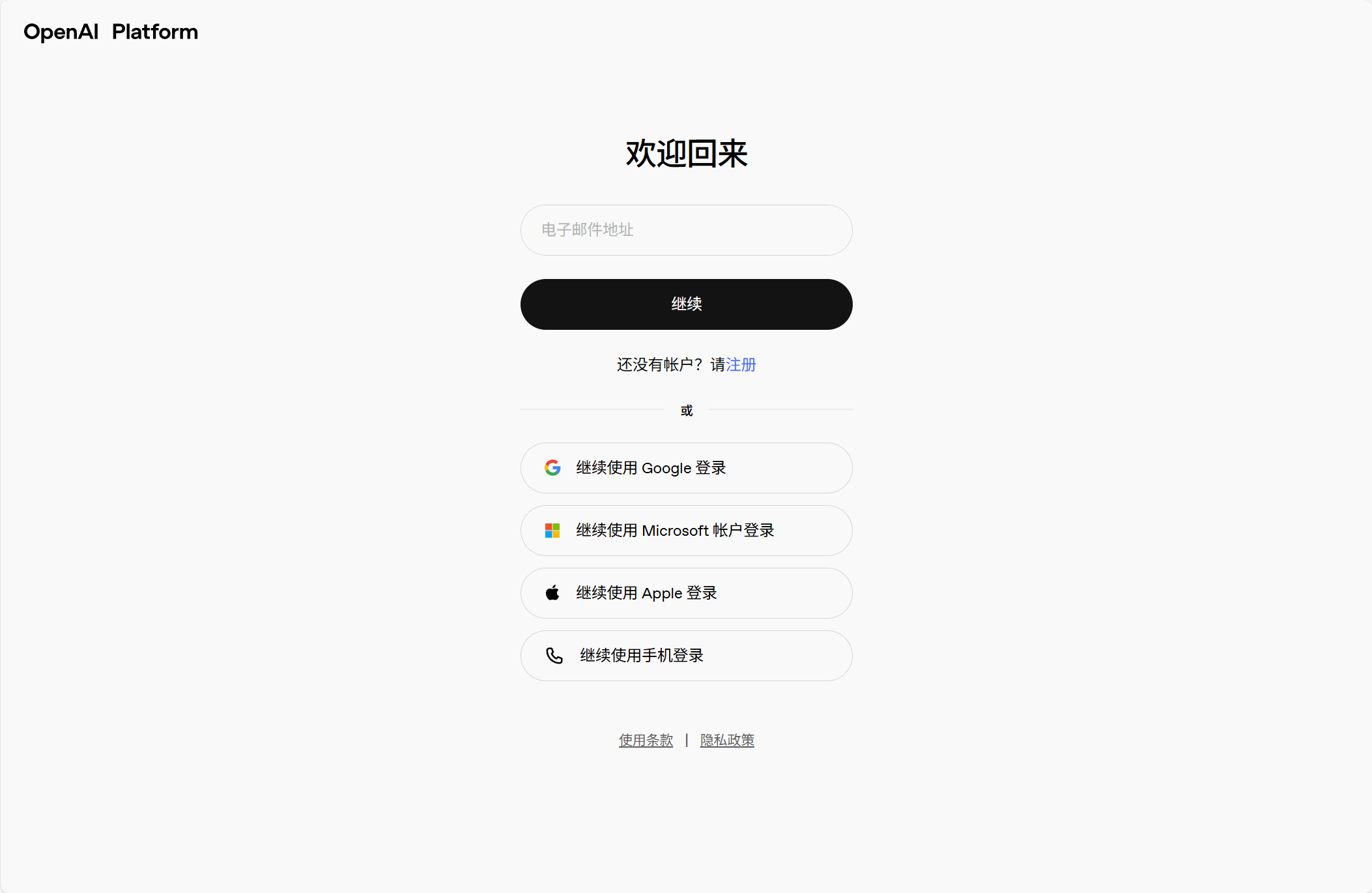
Open the OpenAI login page and follow the instructions to sign in or create an account.
Get an API key
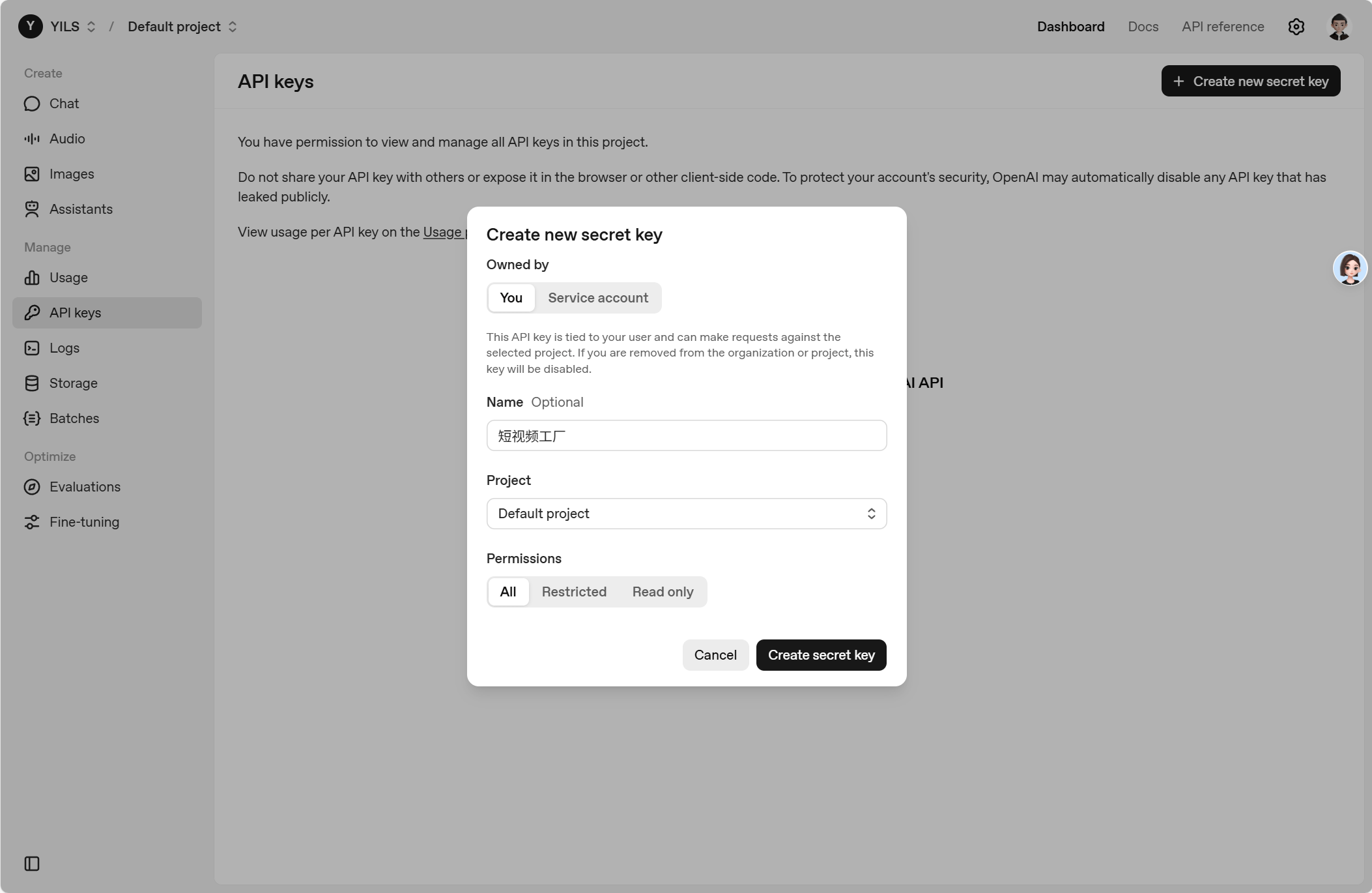
Open API Keys in the developer platform.
Click Create new secret key, name it Short Video Factory, and confirm with Create secret key.
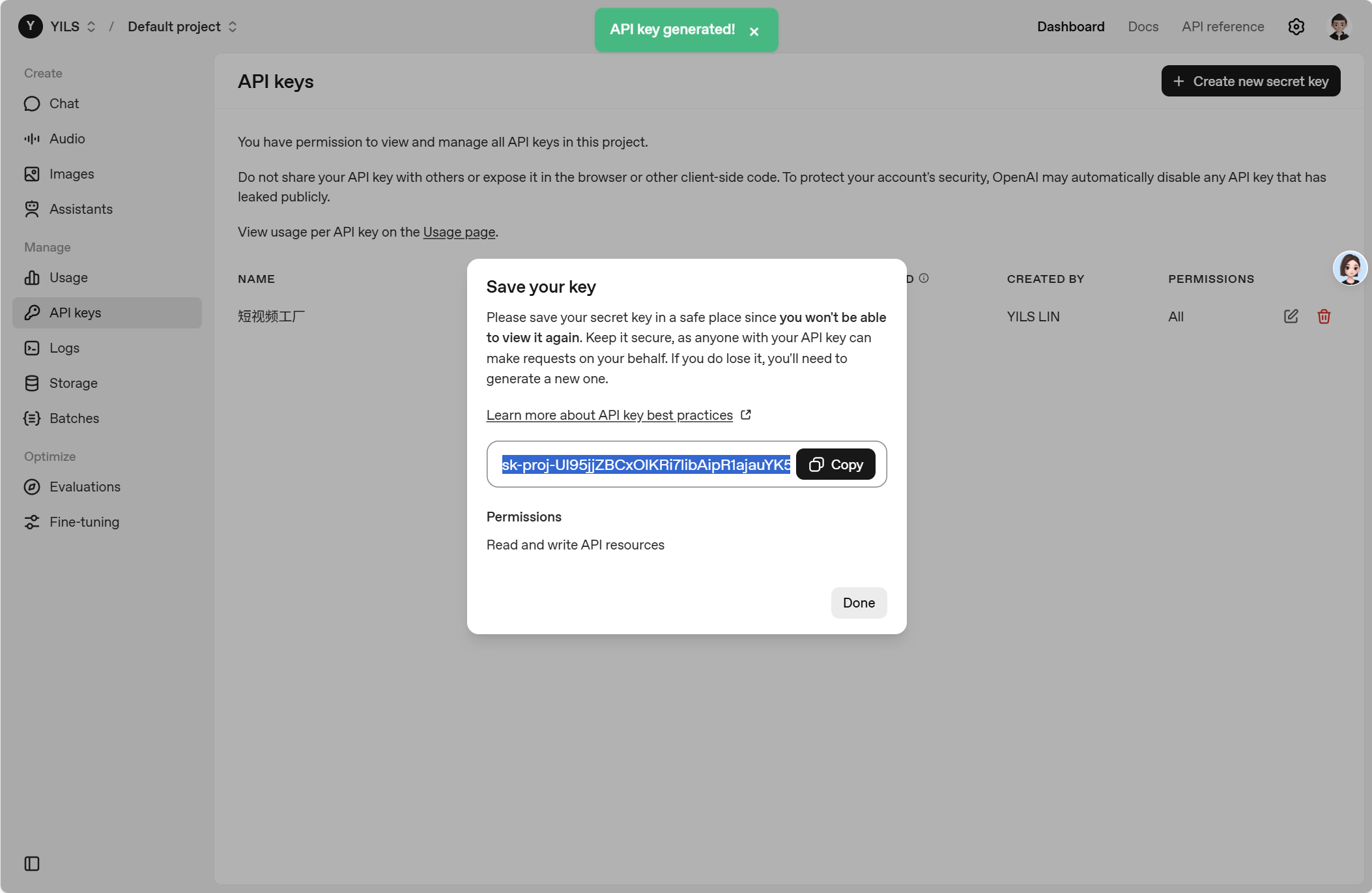
Copy the key and paste it into the app's LLM configuration.
Keep your key secure
The full secret key is shown only once. Store it securely and never publish it. If you lose it, create a new key and revoke the old one.
Find the API URL and model name
Use this API base URL:
https://api.openai.com/v1Choose an available model from the OpenAI documentation and pricing, for example:
gpt-5Model access depends on your account. Enter the URL, key, and supported model name in the app, then test and save your settings. See Configure an LLM API.
Manage payment details and API credits on the billing page.